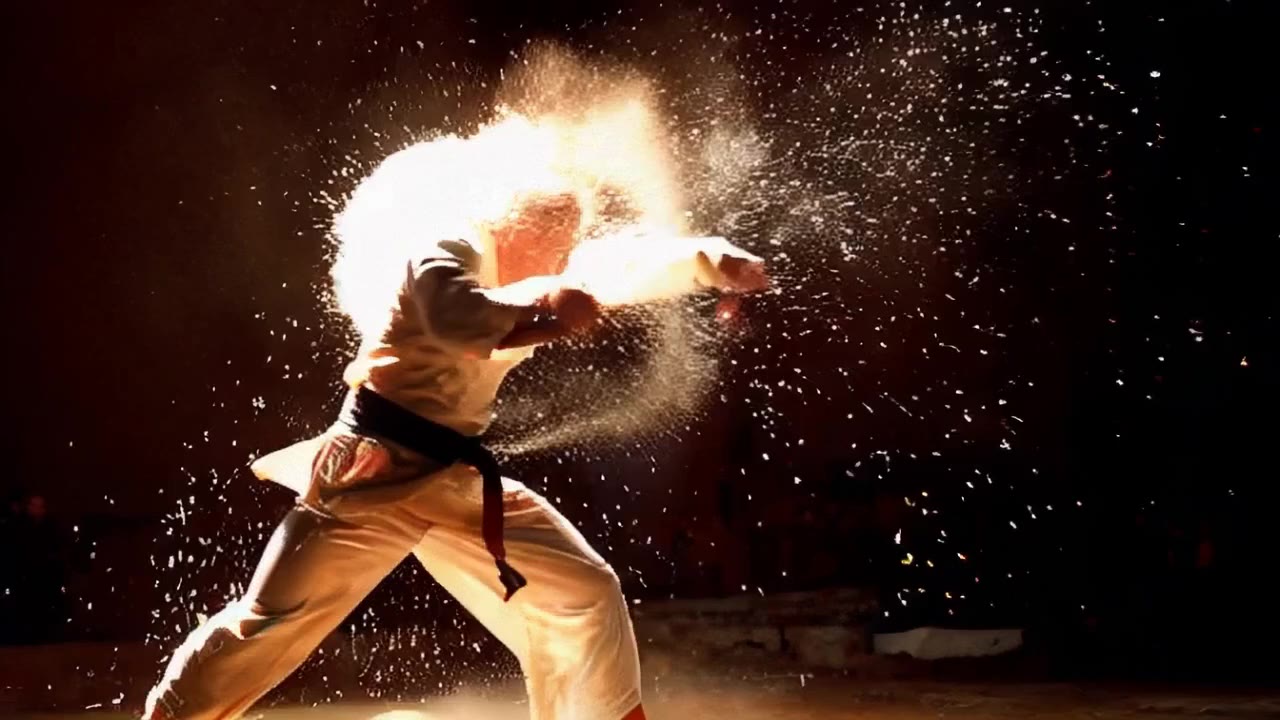
Realistic motion
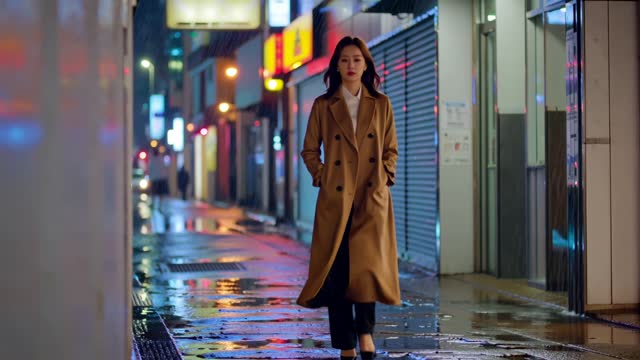
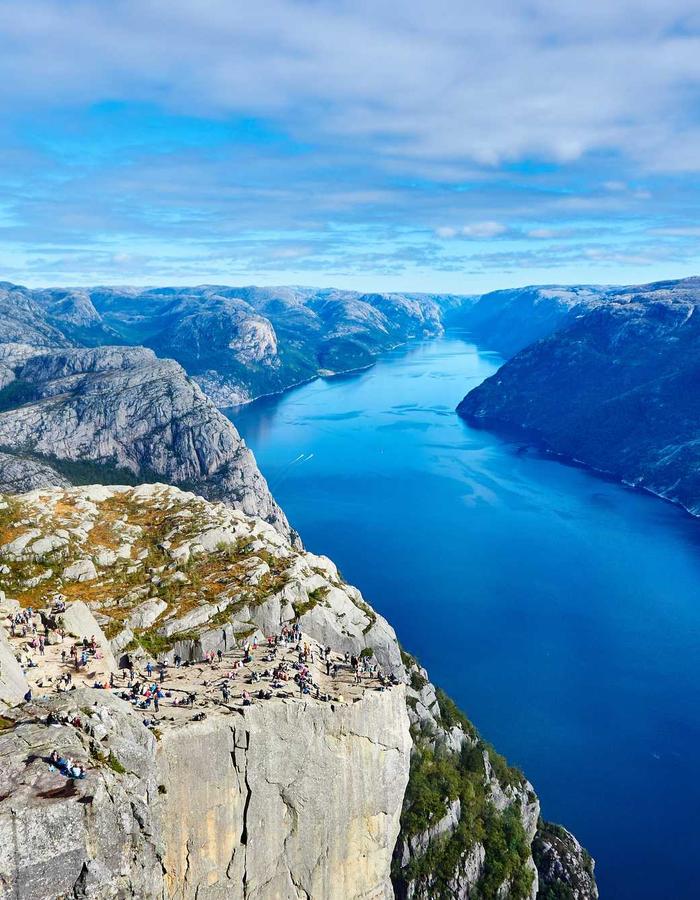
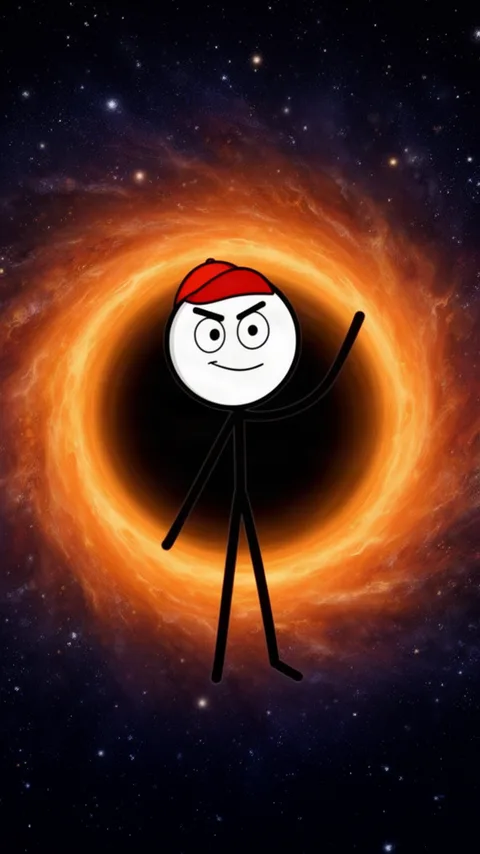
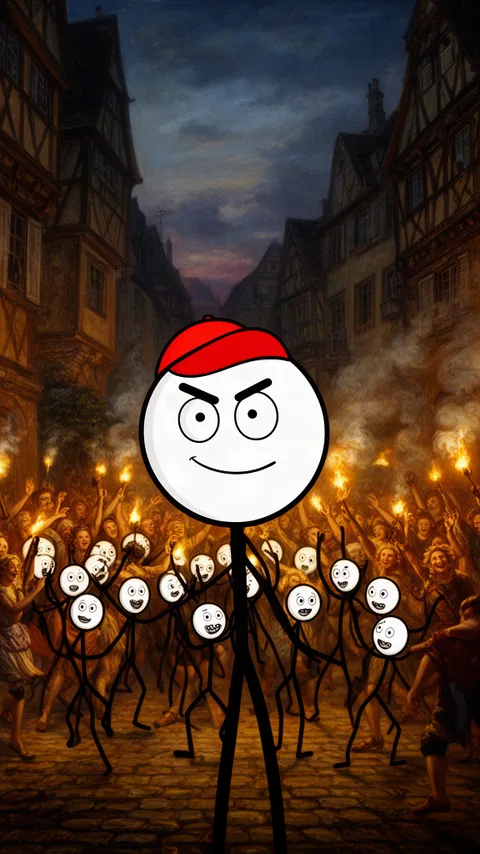
People, animals and cameras move the way you expect, which is what Kling is known for.
Kling is the AI video model from Kuaishou, known for realistic motion. In AutoShort you can run four versions of it, Kling 3.0, 2.5 Turbo, 1.6 and 1.0, from the AI video generator: write a prompt or add a start frame, pick Kling in the model chip and get a 5 or 10 second clip in 9:16, 16:9 or 1:1, from 21 credits a clip.


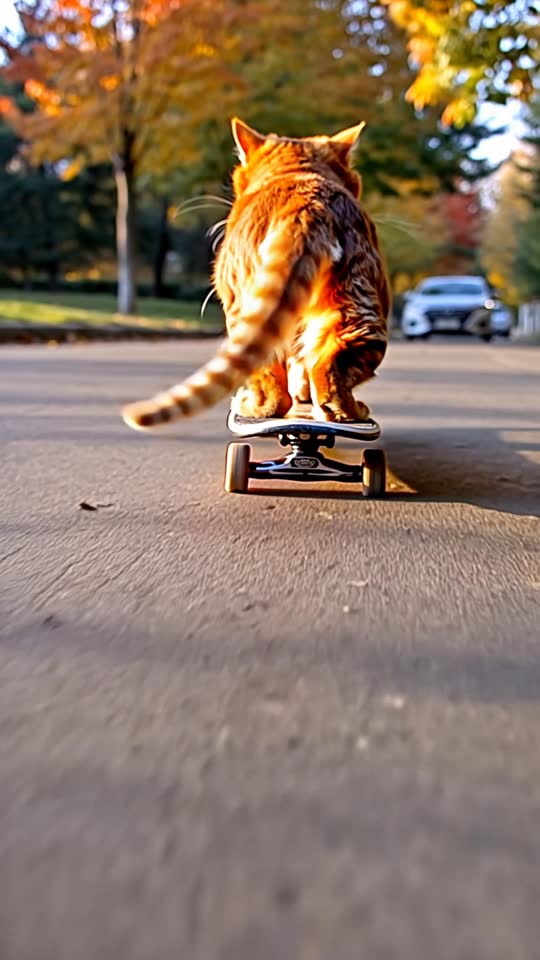
Credits per clip, the same figures AutoShort charges. Plans start at $19 a month for 500 credits.
Open one in AutoShort and the prompt, model and format come with it.
People, animals and cameras move the way you expect, which is what Kling is known for.
Describe the shot, or add an image and Kling animates it into the clip.
Draft with Kling 1.0 for a few credits, then render the keeper with 2.5 Turbo or 3.0.
Vertical 9:16 for Shorts, TikTok and Reels, or 16:9 and 1:1 for everything else.
In AutoShort, go to Video and write what should happen in the shot.
Choose the version, the format and 5 or 10 seconds. The cost shows before you generate.
Download the clip, or drop it into a Short with voice and captions.
Kling clips use credits. A free AutoShort account gets 10 credits, and the cheapest Kling clip costs 21, so in practice you need a plan; plans start at $19 a month for 500 credits.
Start with Kling 2.5 Turbo for most clips. Use 3.0 when you want the most detail, and 1.0 when you are testing prompts and want to spend less.
Yes. Add a start frame in the AI video generator and every Kling version in AutoShort animates it.
5 or 10 seconds per clip in AutoShort. Longer videos are made from several clips, with voice and captions, in Create.
No. AutoShort is an independent app that runs Kling models through an API, next to Veo, Seedance and Luma, with one credit balance for all of them.
Your first video is a minute away. Type the topic and we do the rest.