How to Create a Faceless YouTube Channel: 7 Steps + Rules
A step-by-step build for a faceless YouTube channel, with both YouTube Partner Program routes, the inauthentic content rules, AI disclosure basics and a real cost table.

AutoShort Editorial Team
短视频指南
2026年11月8日 · 18 分钟阅读
To learn how to create a faceless YouTube channel, follow seven steps. Pick a niche with demand, find proven ideas and choose long-form, Shorts or both. Then brand the channel, build a repeatable format, publish three test videos and read your analytics. You need a Google account, a script-and-voice method and a budget from free to about $100 a month.
Key takeaways
- A faceless channel keeps your face out of the content. Voiceover, animation, stock footage, screen recordings, gameplay and text-led visuals all qualify.
- The YouTube Partner Program has two routes: 1,000 subscribers plus 4,000 watch hours in 12 months, or 1,000 subscribers plus 10 million Shorts views in 90 days.
- YouTube renamed its repetitious content policy to inauthentic content on July 15, 2025. Mass-produced, templated videos without original insight are not monetizable.
- You must disclose realistic synthetic content. AI used only for scripts, ideas or captions needs no label.
- Nothing guarantees income. vidIQ calls the widely shared $200,000-per-month faceless portfolio figure a self-reported outlier.
What do you need before you create a faceless YouTube channel?
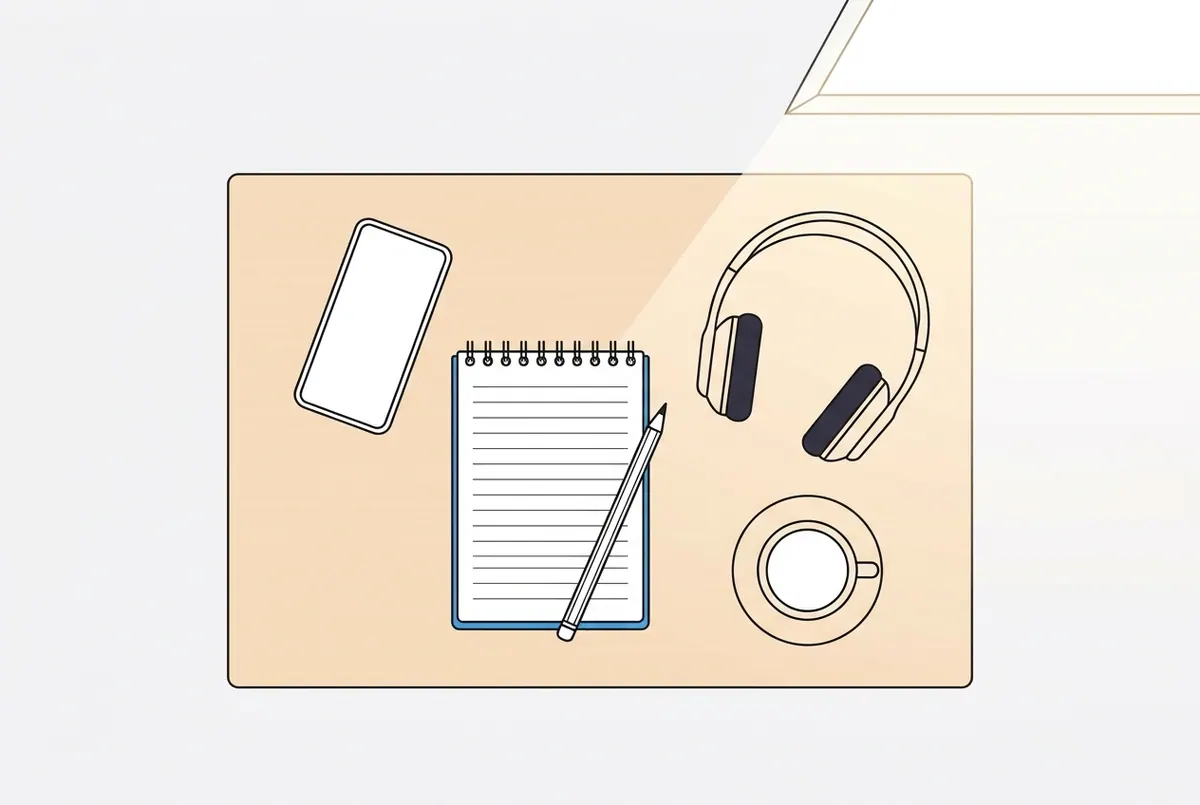
You need six things: a Google account, a niche idea, a computer or phone, a script and voice method, a free editor and a small budget. vidIQ puts a paid setup at about $50 to $100 per month, but you can start for free.
Prerequisites checklist
- Google account: required to create a YouTube channel and turn on two-step verification later.
- A niche idea: one topic area you can cover for 50+ videos without running dry.
- A computer or phone: enough to write scripts, edit and upload.
- A script and voice method: your own recorded voice, a licensed AI voice or a text-to-speech tool.
- A free editor: CapCut or DaVinci Resolve both have free versions.
- A budget: free to start, or roughly $50 to $100 per month for a licensed AI voice, paid stock and research tools, according to vidIQ.
What a faceless channel is (and the formats that count)
Faceless YouTube channel: a channel that publishes videos without making the creator's face the center of the content, as vidIQ defines it.
That definition is broader than most beginners assume. These formats all count:
- Voiceover over stock footage or B-roll
- Screen recordings and software tutorials
- Animation and motion graphics
- Hands-only demos (cooking, crafts, unboxing)
- Gameplay with commentary
- Text-led visuals with narration
Faceless channels split into two types. A traditional faceless channel is one where the creator scripts, records and edits each video by hand. An automated faceless channel is one that uses AI tools and templates to produce scripts, voiceovers and visuals at volume. Automation speeds production, but it raises the stakes on YouTube's inauthentic content policy, covered below.
Set expectations early. Morphic estimates that monetizing long-form content takes 6 to 12 months. vidIQ reports that Noah Morris said his faceless portfolio reached about $200,000 per month at its peak, then labels that figure a dated, self-reported outlier rather than a typical result. Treat a faceless channel as a long-term content system, not a quick payout.
How do you create a faceless YouTube channel step by step?
Create a faceless YouTube channel in seven steps: choose a niche, find proven ideas, pick your format length, set up branding, build a repeatable workflow, publish three test videos, then improve using analytics. Each step below ends with what you should see before moving on.
Step 1: Pick a niche with demand, advertisers and staying power
Apply two filters. vidIQ's rule is passion, proficiency and profit: a topic you enjoy, know well and that can earn. Morphic adds three checks: audience demand, advertiser interest and sustainability over time.
Run each candidate niche through five questions:
- Do channels in this niche get consistent views on recent uploads?
- Would brands pay to reach this audience?
- Can you produce 50 distinct video ideas without repeating yourself?
- Can you add your own analysis or opinion, not just facts anyone can read aloud?
- Can the visuals work without your face?
For a shortlist of topics that earn, see this breakdown of faceless niches that monetize.
You should now see one niche that passes all five questions, with two backups.
Step 2: Find proven video ideas and outlier videos
Study what already works in your niche. Outlier video: a video that gets far more views than the channel's usual uploads, signaling a topic or angle the audience wants.
- List 10 to 15 channels in your niche, large and small.
- Sort each channel's videos by most popular.
- Note the videos that beat that channel's normal view count by a wide margin.
- Record the topic, title pattern, thumbnail style and opening hook of each.
- Turn every pattern into three of your own angles, not copies.
Small channels with outliers matter most. They prove the topic, not the creator's fame, drove the views. For more starting points, browse these faceless YouTube channel ideas you can automate.
You should now see a list of at least 20 video ideas, each tied to a proven pattern.
Step 3: Choose long-form, Shorts or both
Format length shapes your workload, monetization route and how long each video keeps earning views. Morphic's platform figures are below.
| Format | Length (per Morphic) | YPP route | Production load |
|---|---|---|---|
| YouTube long-form | 8+ minutes | 4,000 watch hours in 12 months | High per video |
| YouTube Shorts | Under 60 seconds | 10 million Shorts views in 90 days | Low per video, high volume |
| TikTok | Under 60 seconds | Separate platform program | Low per video |
| Instagram Reels | Under 90 seconds | Separate platform program | Low per video |
Long-form builds watch hours and tends to stay searchable longer. Shorts let you test ideas daily and reuse one script across three platforms. Many faceless creators run both: Shorts for discovery and testing, long-form for depth.
You should now see one primary format chosen, plus a decision on whether to repurpose to TikTok and Reels.
Step 4: Set up your channel name, banner and profile picture
Branding tells a new viewer what the channel covers in one glance. Morphic lists three identity basics: name, banner and profile picture.
- Choose a name that signals the niche and is easy to spell.
- Design a profile picture that reads clearly at small sizes, such as a logo or mascot.
- Create a banner stating what you post and how often.
- Write a channel description with your main topic keywords in the first two lines.
- Turn on two-step verification now, since YPP requires it.
You should now see a branded channel page that explains its topic without a single video uploaded.
Step 5: Build a repeatable format and tool stack
A repeatable format is the same structure for every video, with fresh content inside it. vidIQ names these tools across the workflow:
| Task | Tools named by vidIQ |
|---|---|
| AI voiceover | ElevenLabs, Murf |
| Script and audio editing | Descript |
| Stock footage | Pexels, Pixabay, Storyblocks |
| Video editing | CapCut, DaVinci Resolve |
Define five parts of your format:
- Hook: the first seconds that state the payoff.
- Script structure: hook, middle and close.
- Voice: one consistent voice the audience recognizes.
- Visual style: footage type, captions, colors and pacing.
- Title and thumbnail pattern: a style viewers learn to spot.
You should now see a written template and a working tool stack you can repeat every time.
Step 6: Make and publish your first three test videos
vidIQ advises publishing three test videos before scaling. Three uploads give you enough data to compare hooks, titles and topics without overinvesting in one idea.
- Pick three ideas from different proven patterns in your Step 2 list.
- Write each script with a distinct hook and angle.
- Produce each video with your Step 5 template.
- Write a title and design a thumbnail for each.
- Publish on a fixed schedule.
Morphic suggests a cadence of two videos per week with two to three topics always in the pipeline. Shorts-first channels often post more often because each video is shorter.
You should now see three live videos and a calendar with your next topics queued.
Step 7: Read your analytics and improve
YouTube Studio shows why each video worked or failed. vidIQ points to three metrics: click-through rate, retention and traffic sources.
| Metric | What it tells you | What to change |
|---|---|---|
| Click-through rate (CTR) | Whether the title and thumbnail earn the click | Rework the title and thumbnail |
| Audience retention | Where viewers leave | Tighten the hook and cut slow sections |
| Traffic sources | Where viewers found you (search, browse, Shorts feed) | Lean into the source that works |
After each video, change one variable for the next one. Changing everything at once hides what worked. To understand how Shorts get distributed, read this YouTube Shorts algorithm guide.
You should now see one clear improvement to test on your next upload.
What are the best faceless YouTube niches?
The best faceless niches have steady audience demand, advertiser interest and enough depth for hundreds of videos. Educational explainers, top-10 lists, story narration, tutorials and compilation-style entertainment all appear across the top guides. The table compares their tradeoffs without invented earnings figures.
Niche comparison table: effort, competition and monetization fit
| Niche type | Typical format | Production effort | Advertiser fit | Risk to watch |
|---|---|---|---|---|
| Educational explainers (science, history) | Animation or stock plus voiceover | High | Strong | Research time per video |
| Top-10 and list videos | Stock footage plus narration | Medium | Moderate | Templated sameness |
| Story narration (Reddit stories, true stories) | Gameplay or B-roll plus voice | Low | Mixed | Repetitive structure |
| Software and tech tutorials | Screen recording | Medium | Strong | Tools change quickly |
| Finance and business explainers | Text-led visuals plus voice | Medium | Strong | Accuracy requirements |
| Curated internet moments | Compilation | Low | Mixed | Reused content policy |
Low-effort niches carry the highest policy risk. Story narration and compilations need visible original commentary or editing to stay monetizable.
Well-known faceless channels to study
vidIQ names three faceless channels worth studying:
- Kurzgesagt: animated science explainers with a recognizable visual style.
- WatchMojo: list videos built on a repeatable top-10 format.
- Daily Dose of Internet: curated clips with a consistent narrator voice.
Each shows why faceless channels work. The format scales because no single on-camera person limits output. The creator keeps privacy. And a repeatable system lets a team or toolset produce consistent quality.
How do you make faceless videos fast with a Shorts-first workflow?
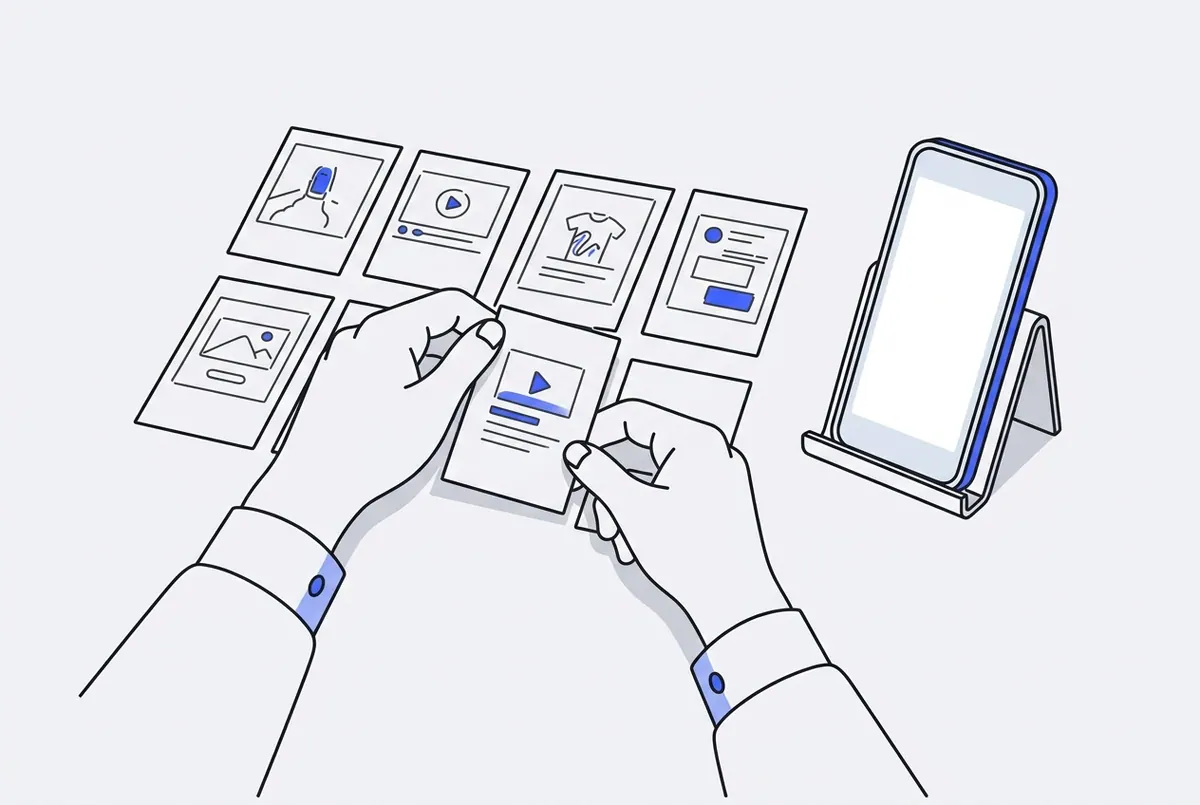
A Shorts-first workflow produces one short video per idea in a single pass: write a hook-middle-close script, assemble scenes, add voiceover and synced captions, then publish to several platforms. Speed helps you test more ideas, but every video still needs its own angle to stay monetizable.
Script, scenes, voiceover and captions in one pass
The generic workflow has five stages:
- Write a script with a hook in the first line, a middle that delivers the payoff and a close that prompts the next view.
- Assemble scenes that match each script line, using stock, AI-generated or original visuals.
- Record or generate a voiceover in one consistent voice.
- Add captions synced to the voice, since many viewers watch muted.
- Export in vertical 9:16 for Shorts, TikTok and Reels.
Done by hand, that means four or five tools. I built AutoShort to collapse the stages. The Script generator writes a hook, middle and close from an idea or a link. The full-video feature then assembles scenes, voiceover and synced captions from a chosen style, with no editor needed. For narration without your own voice or camera, the AI-narrated faceless video creator handles the whole pass. Voices include male and female options, voice cloning and over 30 languages.
You stay in control of every result. Review each script and swap any scene that feels generic before publishing.
Save a recipe and change only the topic
Recipe: a saved combination of style, voice, caption format and structure that you rerun for each new video.
In AutoShort, you save a working recipe and rerun it with one click, changing only the topic. That keeps your channel's look consistent. It does not replace original thinking: change the hook, the facts and your take for every video, or the output drifts toward the mass-produced content YouTube refuses to monetize.
Here is what my plans cost per video, based on the published monthly prices:
| Option | Monthly price | Videos per month | Approx. cost per video | Export |
|---|---|---|---|---|
| Free tools (vidIQ) | $0 | Unlimited, manual | $0 plus your time | Varies |
| Paid DIY stack (vidIQ) | About $50 to $100 | Depends on your time | Varies | Varies |
| AutoShort Essential | $9 | 5 | $1.80 | 1080p |
| AutoShort Creator | $29 | 25 | $1.16 | 4K |
| AutoShort Pro | $60 | 60 | $1.00 | 4K |
Credits matter for premium video models. The pricing page lists Kling 1.6 video generation at 41 credits per video, against 250, 1,000 or 2,500 monthly credits depending on the plan. Yearly billing saves 33%, equal to two months free. Prices exclude VAT and local taxes.
Auto-publishing to YouTube, TikTok and Instagram
Cross-posting one vertical video to three platforms triples its chances of being found. AutoShort's Auto-publish schedules and posts videos automatically to TikTok, YouTube and Instagram. If daily Shorts is your plan, see how to post YouTube Shorts every day without filming.
Keep one rule: schedule only videos you have reviewed. Automation should handle the posting, not the judgment.
How do you get monetized: what are the YouTube Partner Program requirements?
You get monetized by joining the YouTube Partner Program through one of two routes: 1,000 subscribers with 4,000 qualified watch hours in 12 months, or 1,000 subscribers with 10 million qualified Shorts views in 90 days. You also need policy compliance, an eligible country, no active strikes and two-step verification.
| Requirement | Route 1: Long-form | Route 2: Shorts |
|---|---|---|
| Subscribers | 1,000 | 1,000 |
| Main threshold | 4,000 qualified watch hours | 10 million qualified Shorts views |
| Time window | Past 12 months | Past 90 days |
| Shorts feed watch time counts? | No | Not applicable |
Route 1: 1,000 subscribers and 4,000 public watch hours in 12 months
This route suits long-form channels. Per YouTube's Partner Program eligibility page, watch hours from Shorts views in the Shorts feed do not count toward the 4,000-hour threshold. A Shorts-heavy channel cannot reach Route 1 on Shorts watch time alone.
Route 2: 1,000 subscribers and 10 million Shorts views in 90 days
This route suits Shorts-first faceless channels. Several top guides list only Route 1, which leaves Shorts creators without a target. PPC Land reports that YouTube changed how Shorts views are counted on March 31, 2025. Check the YouTube Help page for current numbers before planning around them. For revenue mechanics after you qualify, see this guide to monetizing YouTube Shorts.
Other requirements: policies, country, no active strikes, two-step verification
YouTube lists five further conditions:
- Follow the channel monetization policies.
- Live in a country or region where YPP is available.
- Have no active Community Guidelines strikes.
- Turn on two-step verification.
- Have access to advanced features.
Other ways to earn: sponsorships, affiliate, digital products
Ad revenue is one income stream. Both top guides list others that start before YPP:
- Sponsorships: brands pay for an integrated mention.
- Affiliate links: commission on products recommended in descriptions.
- Digital products: templates, guides or courses tied to your niche.
- Services: consulting or done-for-you work for your audience.
How do you keep a faceless channel monetizable under YouTube's inauthentic content policy?
Keep a faceless channel monetizable by making every video distinct: a different hook, script and angle, plus your own insight. YouTube's policy bars content that feels template-made or mass-produced, including generic AI videos without the creator's original perspective.
What changed on July 15, 2025
According to YouTube's channel monetization policies, YouTube made a minor update to the repetitious content policy. It clarified that the policy covers repetitive or mass-produced content and renamed it inauthentic content. YouTube stated this content was always ineligible for monetization.
The reused content policy did not change. Reused content: repurposing existing content without significant original commentary, substantive modifications, or educational or entertainment value. It covers commentary, clips, compilations and reaction videos.
Allowed vs not allowed: examples from YouTube's policy
| Allowed | Not allowed |
|---|---|
| The same intro and outro, as long as the bulk of each video differs | Image slideshows with minimal or no narrative, commentary or educational value |
| A series where each video has a distinct storyline, focus or concept | Templated storylines repeated across videos |
| A review channel where each video covers something different | Scrolling text with minimal narrative or commentary |
| AI tools used to produce original, insightful videos | AI content from generic templates that looks mass-produced without original insight |
Generic or repetitive content: content that looks template-made or feels repetitive after several videos in a row, per YouTube's definition.
Stay-monetizable checklist for AI faceless videos
- Write a new hook for every video, never a reworded copy of the last one.
- Add your own opinion, analysis or ranking logic to each script.
- Vary visuals so three videos in a row do not look identical.
- Give each video in a series its own storyline or concept.
- Add real commentary or edits to any third-party clip.
- Watch five of your uploads back to back and fix anything that feels like a copy.
Do you have to disclose AI content on YouTube?
Yes, but only for realistic content. YouTube requires disclosure when altered or synthetic media, including generative AI, makes content a viewer could easily mistake for a real person, place, scene or event. AI used for scripts, ideas or captions, and clearly unrealistic content such as animation, needs no label.
When the altered or synthetic content label is required
The YouTube Blog announcement on disclosing AI content sets the test as realism. Label a video when a viewer could believe a synthetic person, place, scene or event is real. Typical cases are a realistic AI avatar presented as a real person, a lifelike generated scene of a real location, or an altered depiction of a real event.
When disclosure is not required
Disclosure is not required for productivity uses or clearly unrealistic visuals. The source excerpt was undated, so confirm the details on YouTube Help's disclosure page (answer 14328491) before you publish.
| Use of AI | Disclosure needed? |
|---|---|
| AI-written script | No |
| AI-generated video ideas | No |
| Automatic captions | No |
| Cartoon or stylized animation | No |
| Realistic AI presenter shown as a real person | Yes |
| Lifelike generated footage of a real place or event | Yes |
What mistakes make faceless channels fail, and when is this the wrong choice?
Faceless channels usually fail from copyright claims, reused clips, mass-produced sameness or inconsistent posting. Most problems show up in analytics first as low CTR or weak retention. Diagnose the symptom, fix one cause at a time, and recognize when a faceless format does not fit your goal.
Common mistakes: copyright, reused clips, mass production, inconsistent posting
- Copyright: using music or footage you have no license for. Use licensed libraries or original assets.
- Reused clips: compiling other creators' videos without significant commentary or edits.
- Mass production: rerunning one template with only the topic swapped and no new insight.
- Inconsistent posting: publishing in bursts, then going silent for weeks.
- Skipping disclosure: posting realistic synthetic content without the label.
Troubleshooting: low views, low retention, demonetized or limited ads, stalled subscribers
| Symptom | Likely cause | Fix |
|---|---|---|
| Low views, low CTR | Weak title or thumbnail | Rework both; test a clearer promise |
| Views drop in the first seconds | Slow or vague hook | State the payoff in line one |
| Retention falls mid-video | Padding in the middle | Cut filler and tighten the script |
| Demonetized or limited ads | Inauthentic or reused content | Audit against the stay-monetizable checklist |
| Copyright claims | Unlicensed music or footage | Replace with licensed or original assets |
| Subscribers stall | No clear series or reason to return | Build recurring series and a fixed schedule |
When a faceless channel is not the right choice
A faceless channel is the wrong fit in four situations:
- Your business depends on personal trust, such as coaching or a personal brand.
- You need quick income; Morphic estimates 6 to 12 months to monetize long-form.
- You cannot commit to a consistent schedule.
- You plan only to reupload other people's content, which the reused content policy excludes from monetization.
Start your faceless channel with a system, not luck
Creating a faceless YouTube channel comes down to a validated niche, a repeatable format, three test videos and steady improvement from analytics. Pick the YPP route that matches your format, give every video its own angle and label realistic AI content. Nothing guarantees views, but a consistent system gives each idea a fair test.
If you want the production side handled, AutoShort turns an idea or link into a scripted, voiced and captioned short, then schedules it to YouTube, TikTok and Instagram. Plans start at $9 per month. Pick a niche, write your first hook and publish test video number one this week.